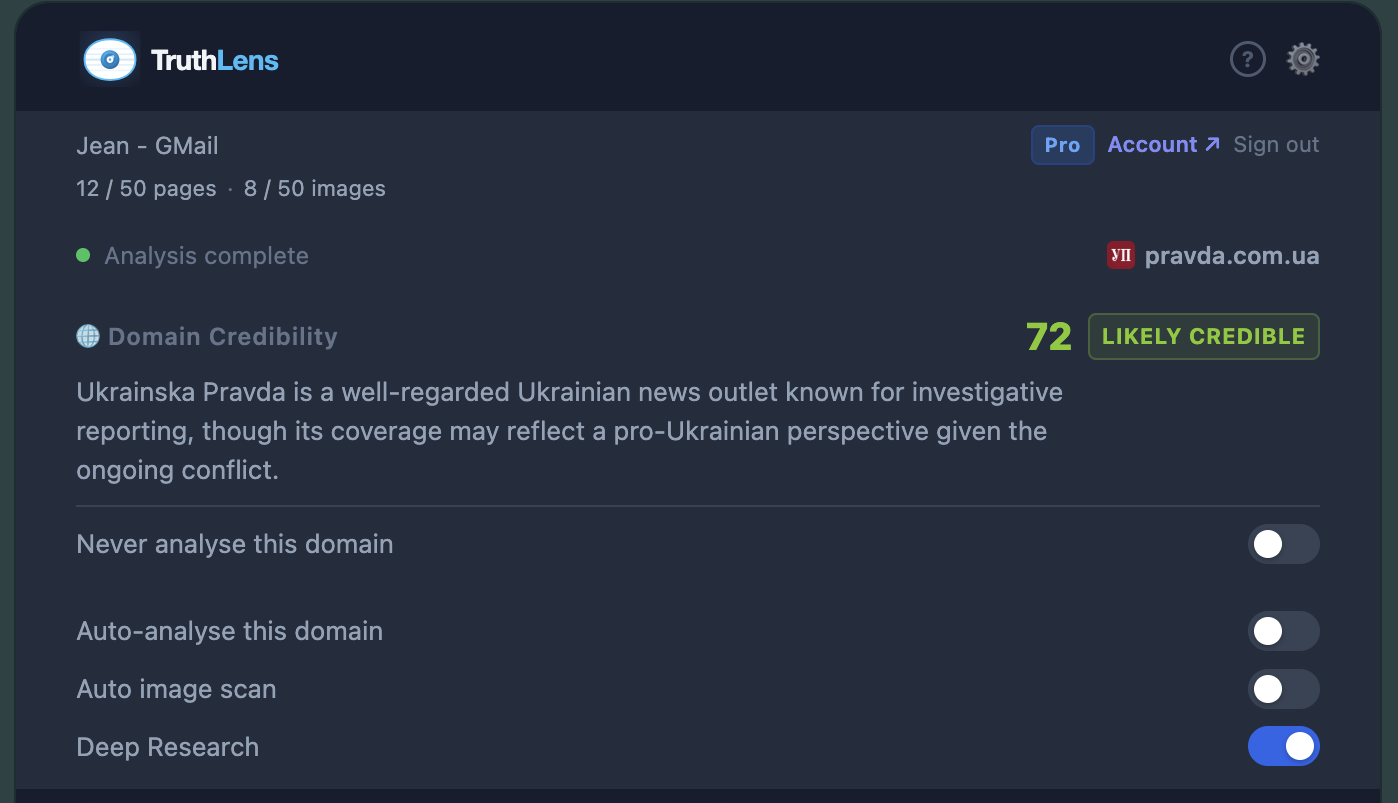
TruthLens uses Claude AI and Hive AI to detect AI-generated content, deepfakes, and unreliable sources — on any webpage, in seconds.
Free TruthLens account · No Claude or Hive keys needed · Works instantly
One click. Instant AI-powered analysis. Know what to trust before you share, react, or believe.
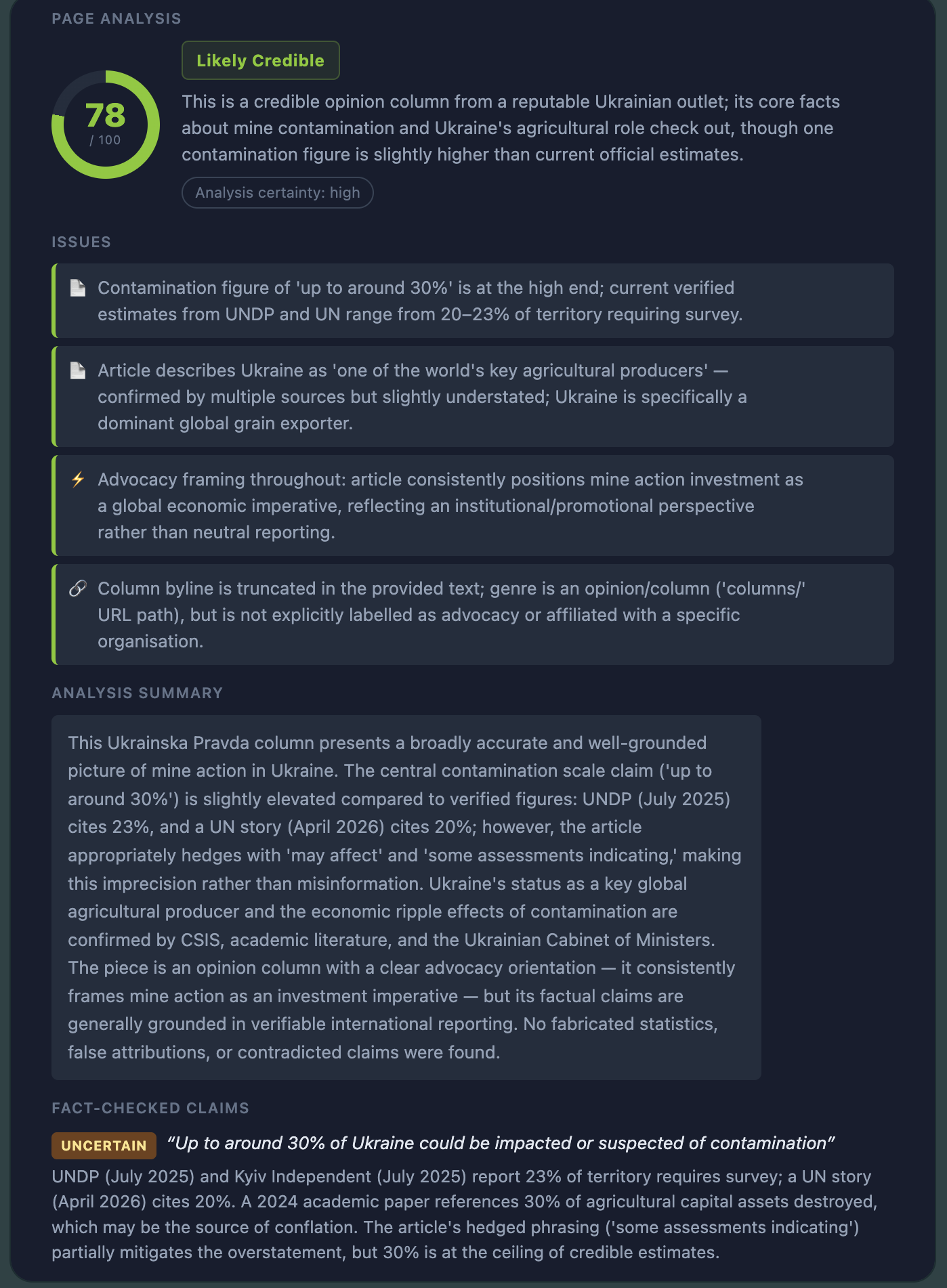
Claude AI reads the page text, checks source credibility, and cross-references claims — then gives you a clear verdict with reasoning and citations.
Hive AI scans every image on the page for deepfake signatures and AI-generation artifacts. Each image gets its own confidence score, right on the page.
Enable auto-analysis per domain and TruthLens checks pages and images the moment you arrive — no clicking required.
Banking sites, email, and messaging apps are always excluded automatically. No content is ever logged on our servers. Everything else stays on your device.
Create your free TruthLens account, install the extension, and go.
One click to add TruthLens to Chrome. It appears in your toolbar immediately — no restart required.
Click the toolbar icon on any article, social post, or news site. Hit TruthLens this Page to analyse, or TruthLens all Images to scan for AI-generated visuals.
Within seconds you'll see a credibility assessment with sourced reasoning, red flags, and confidence scores for every image — streamed live as Claude thinks.
TruthLens doesn't store what you read. Page content, screenshots, and images are forwarded directly to Anthropic and Hive AI to complete your request — we don't log them, and they're never stored on our servers.
Your preferences (which domains you've enabled auto-analysis on) live entirely in Chrome's local storage on your device. Sensitive sites like banking, email, and messaging apps are always excluded, automatically.
Read our full Privacy Policy →Free TruthLens account. No external API keys. Works on any webpage.
Add to Chrome — It's Free